


VIRTUAL TRAINING

MICROSOFT PROJECT & PLANNER 101

GETTING STARTED WITH PROJECT MANAGEMENT TOOLS

Keeping projects organized doesn’t have to mean juggling spreadsheets, sticky notes, and endless email threads. Join us to learn how these tools can help you track tasks, manage projects, and keep teams aligned.

Thursday, August 20, 2026 | 11:00 AM – 12:00 PM ct

What We’ll Cover:

This session is designed for individuals who are new to Microsoft Project and Planner, as well as those who have access to the tools but aren’t sure how to use them effectively. We’ll provide a clear overview of where each tool fits, what they’re designed to do, and how to get started managing work more efficiently.

Whether you’re managing a team, coordinating projects, or simply looking for a better way to stay organized, you’ll leave with practical knowledge you can start using right away.

Topics

  • Microsoft Planner vs. Microsoft Project — Understanding the differences between the two tools and when to use each one
  • Creating and managing tasks — Assign work, set due dates, track progress, and keep projects moving forward
  • Building project plans — Learn how to organize projects, create timelines, and manage dependencies
  • Collaboration and visibility — Keep teams aligned with shared task lists, project dashboards, and status updates
  • Integrating with Microsoft 365 — See how Planner and Project work alongside Teams, Outlook, and other Microsoft applications
  • Live demo — Watch Project and Planner in action and see practical examples you can replicate in your own organization

Meet Your Instructor

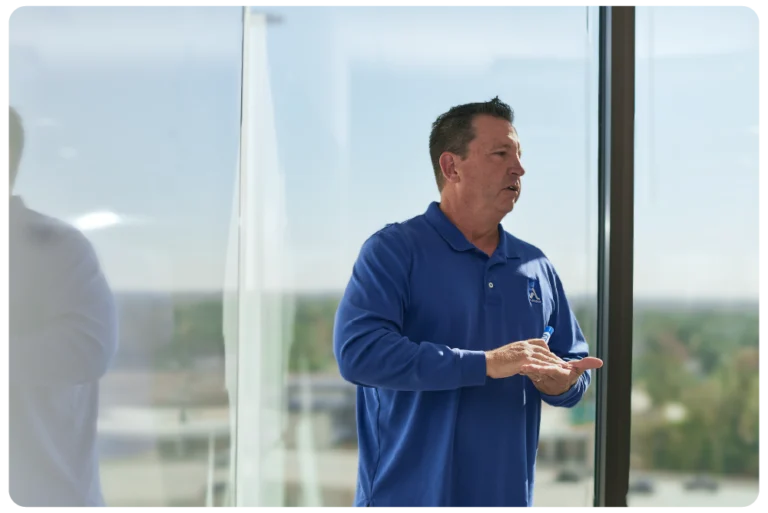
JoLynn Rihn

Microsoft Master Instructor

JoLynn Rihn has been helping people work smarter with Microsoft applications since they were first released. She is a Certified Trainer and Microsoft Master Instructor with over 30 years’ experience. She teaches on the basics to advanced features using programs like Teams, Excel SharePoint, Outlook and more. 

JoLynn’s background as a college instructor and corporate software trainer makes her uniquely qualified to teach you how to get the most out of your technology.

CPE Information

Participants must attend the live session in its entirety and respond to all required polling questions during the webinar to receive CPE credit.

  • Delivery Method: Group Internet-Based
  • CPE Credits & Field of Study: 1.0 Credit – Computer Applications
  • Program Level: Basic
  • Prerequisites: None
  • Advanced Preparation: None
  • Refund Policy: No fee; no refund necessary

Aldridge is registered with the National Association of State Boards of Accountancy (NASBA) as a sponsor of continuing professional education on the National Registry of CPE Sponsors. State boards of accountancy have final authority on the acceptance of individual courses for CPE credit. Complaints regarding registered sponsors may be submitted to the National Registry of CPE Sponsors through its website: nasbaregistry.org.  Registry ID #168016 

Complaint Resolution Policy

We are committed to providing a high-quality learning experience and ensuring participant satisfaction. If you have a complaint regarding any aspect of a course or program, please follow the steps below to address your concerns: 

    1. Contact Us: Submit your complaint in writing to Aldridge Marketing [email protected] or contact us at 817-734-3919 within 10 business days of the issue arising. Please include your name, the course or program title, the date, and a detailed description of your concern. 
    2. Review Process: Upon receiving your complaint, we will acknowledge receipt within 2 business days. Our team will review the issue thoroughly and may contact you for additional information if necessary. 
    3. Resolution: We will provide a formal response and proposed resolution within 10 business days of receiving your complaint. Resolutions may include, but are not limited to, clarification of course content, adjustments to program delivery, or refunds where applicable. 

      We value your feedback and use it to continuously improve our programs. If you have further questions or concerns, please do not hesitate to reach out 

      Countdown

      Day(s)

      :

      Hour(s)

      :

      Minute(s)

      :

      Second(s)

      How to Join

      Struggling to join? This video will walk you through joining the webinar and will show you how to submit questions.

      There are two ways to join the webinar:

      1. Click on the unique link in your confirmation email from Aldridge Events (sent from: [email protected])
      2. Click here, and enter the webinar ID (864-447-963) and the email you used to register
        If you’ve never attended a GoToWebinar event before, the installer will automatically download. Once it downloads, just open it and it’ll take you right to the panel.

      If the installer doesn’t download automatically, click the “download & run GoToWebinar” link when you get to the screen below.

      Who We Are

      Aldridge is a leading Texas-based IT Managed Services and Cybersecurity provider, serving hundreds of client organizations across many industries. Aldridge delivers Scalable, Local, and Personal service from its 5 locations, 110+ full-time staff, and continuing experience over 40 years in business.